Table of Contents
Choosing accounting software shouldn’t feel like guessing your way through tax season. Many U.S. small businesses turn to Xero reviews because they want something simple, reliable, and affordable — without the learning curve that comes with older systems. This updated 2026 guide breaks down everything you need to know: pricing, features, user sentiment, pros and cons, and how Xero compares to QuickBooks, Zoho, and FreshBooks.
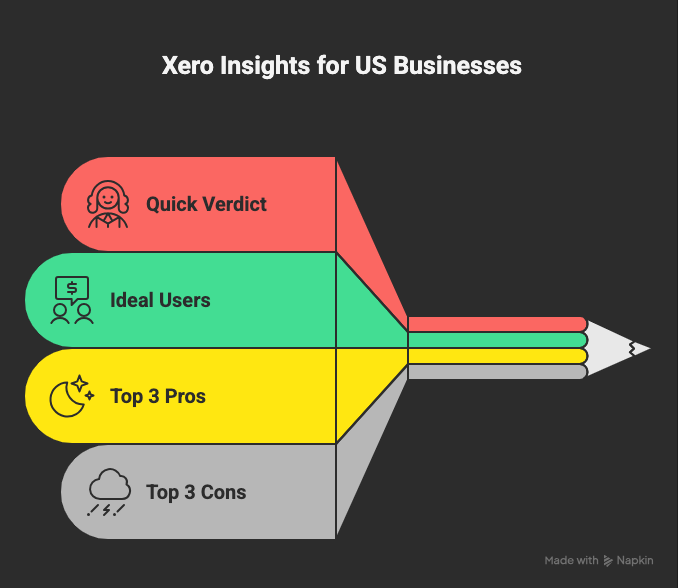
This guide breaks things down in a practical, no-fluff way. You’ll get:
- A clear explanation of what Xero is (and isn’t)
- Updated 2026 pricing with real costs
- Deep dive into features that matter in the U.S.
- Real user sentiment (the good and the frustrating)
- A full comparison of Xero vs QuickBooks, FreshBooks & Zoho
- Pros, cons, buyer recommendations, and FAQs
By the end, you’ll know exactly whether Xero fits your business — or whether another tool might be smarter.
Xero Reviews: What Is Xero?
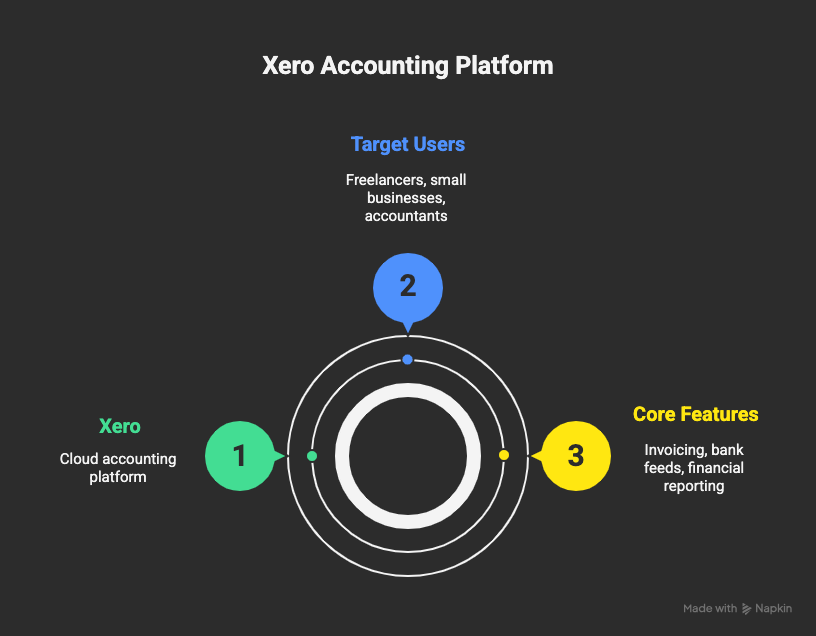
Xero’s product overview positions it as a cloud-first accounting solution for freelancers, small businesses, accountants, and growing teams. Instead of clunky software, Xero runs fully online, allowing teams and advisors to work together in real time.
Why Xero stands out in most xero reviews:
- Unlimited users across all plans
- Clean, modern interface
- Strong automation tools
- Access from any device
If you want software that streamlines daily bookkeeping without getting overly technical, Xero is built exactly for that.
What Makes Xero Different?
- Unlimited users on all plans (rare among competitors)
- Cloud-first design that feels modern instead of bulky
- Wide app integration ecosystem
- Affordable pricing, especially for small teams
For many small business owners, the biggest appeal is simplicity. Xero doesn’t try to overwhelm you with accounting jargon; it focuses on giving you clear controls over money in, money out, and everything in between.
Xero Reviews on Pricing: 2026 Plans & Real Costs
Pricing plays a major role in xero reviews, and for good reason. Here’s what U.S. users get according to Xero’s U.S. pricing page.
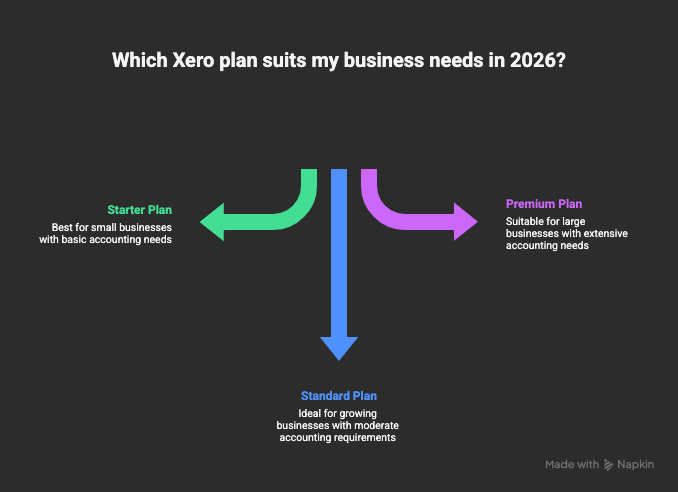
Starter Plan
Great for new freelancers and microbusinesses.
- Limited invoices
- Limited bills
- Bank reconciliation
- Basic reporting
Standard Plan
Xero’s most popular plan.
- Unlimited invoices and bills
- Bank reconciliation
- Full reporting suite
- Basic inventory
Premium Plan
Best for businesses handling multiple currencies.
- All Standard features
- Multi-currency tools
Hidden Costs You Should Expect
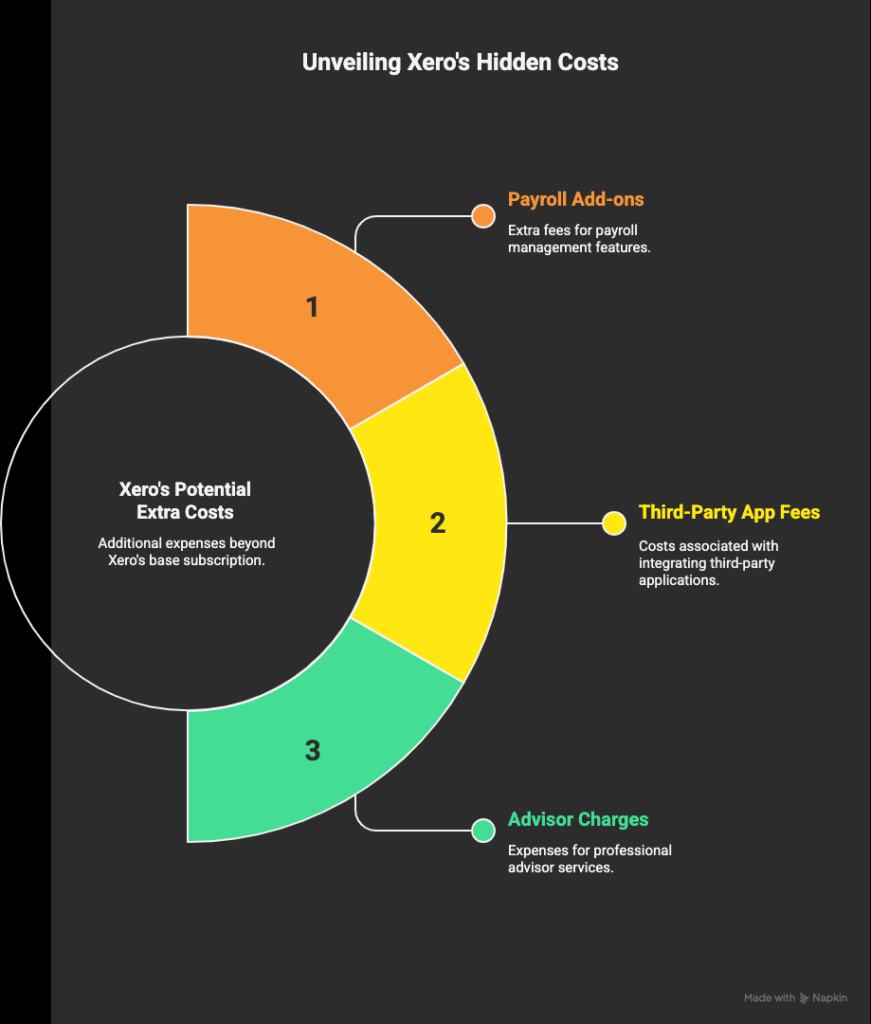
These don’t increase your subscription, but they do increase total cost:
- Payroll via partners like Gusto
- Paid apps from the Xero App Marketplace
- Bookkeeper / accountant support if outsourced
- Industry-specific tools (POS systems, CRM platforms, ecommerce integrations)
Most users will still find Xero more affordable than alternatives like QuickBooks, especially once you factor in unlimited users.
Xero Reviews on Features: What U.S. Businesses Care About
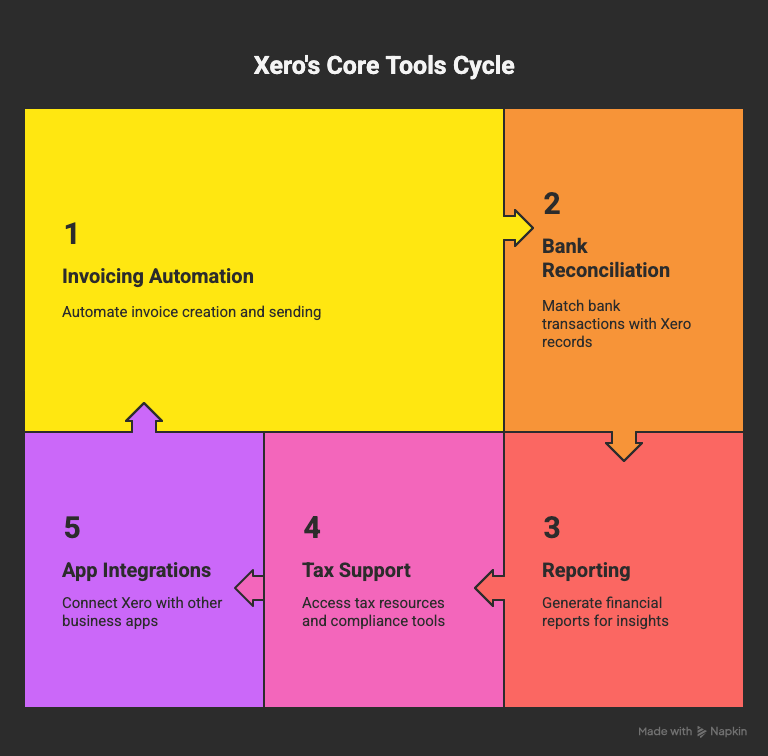
Xero packs in a lot, but here are the features U.S. users consistently care about based on xero reviews across platforms.
Xero Reviews: Invoicing & Payments
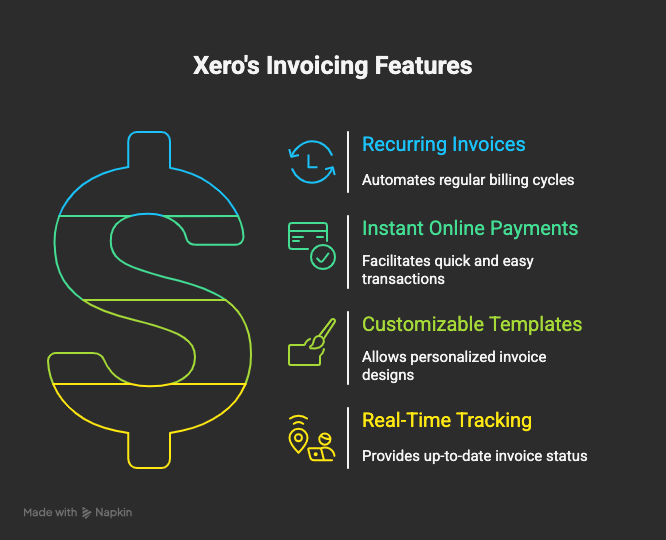
Xero’s invoicing tools are built for speed.
You can:
- Create branded invoices
- Set repeating invoices
- Accept online payments
- Track overdue invoices
This makes it especially good for service businesses, agencies, and consultants.
Xero Reviews: Bank Feeds & Reconciliation
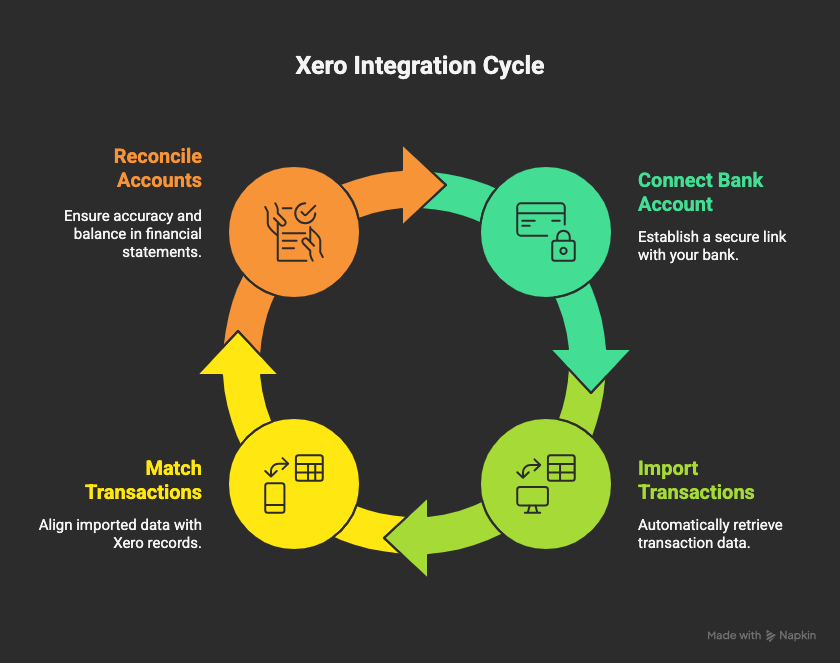
Xero automatically imports transactions from thousands of U.S. banks. The platform suggests matches, letting you reconcile accounts quickly.
This feature alone saves some businesses 5–10 hours per month.
Xero Reviews: Reporting Tools
Xero includes:
- Profit & loss
- Balance sheet
- Cash flow
- Custom management reports
Reports aren’t as deep as QuickBooks, but they’re cleaner and easier for non-accountants.
Xero Reviews: App Integrations
With hundreds of apps in the Xero App Marketplace, you can connect:
- Payment processors (Stripe, PayPal, Square)
- Ecommerce platforms (Shopify, WooCommerce)
- Payroll tools (Gusto)
- CRMs (HubSpot, Pipedrive)
Xero Reviews: Inventory Tools
Xero’s inventory is helpful for small retail shops and ecommerce businesses but may feel limited for complex warehouses.
Mobile App
The app lets you:
- Send invoices
- Capture receipts
- Reconcile transactions
It’s simple and reliable, especially compared to some competitors.
What Users Really Think: Praise & Complaints
We reviewed feedback from Trustpilot reviews, Forbes Advisor’s Xero review, and other sources.
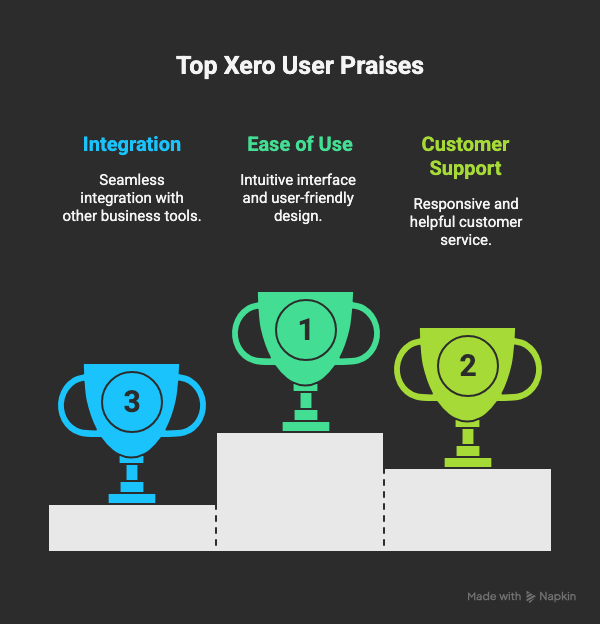
What Users Love
- Modern interface that’s easy to learn
- Strong app ecosystem
- Unlimited users at no extra cost
- Reliable bank connections
- Affordable pricing
Common Complaints
- Slow customer support during high-traffic periods
- Weak built-in payroll in the U.S.
- Basic inventory features
- Report customizations take time to learn
Overall, users rate Xero positively for usability and value — but power users sometimes want deeper features.
Xero vs QuickBooks vs FreshBooks vs Zoho
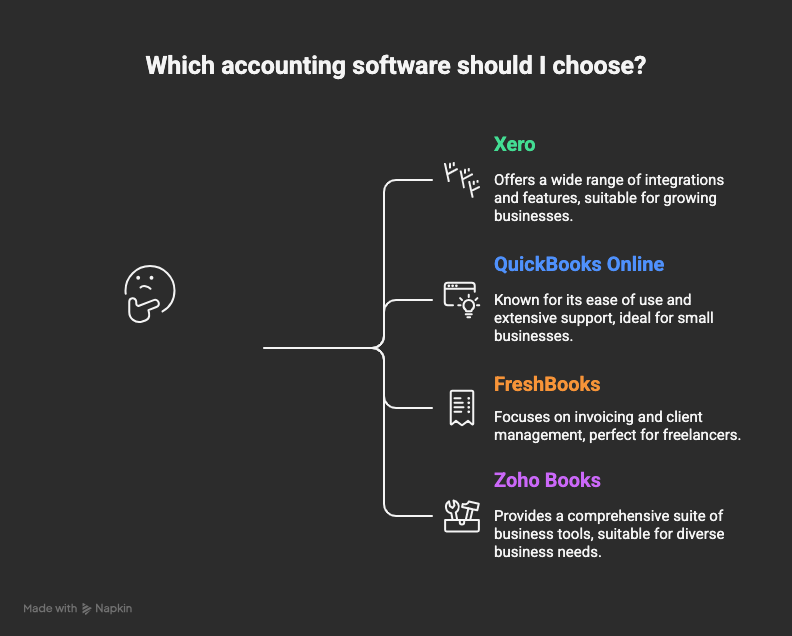
Let’s make the comparison simple.
Xero vs QuickBooks Online
The most common comparison — and for good reason. According to the Investopedia comparison:
- QuickBooks has better U.S. tax tools
- Xero offers unlimited users
- QuickBooks wins on advanced reporting
- Xero wins on pricing and simplicity
Choose Xero if: you want simple bookkeeping and unlimited users.
Choose QuickBooks if: you need advanced reports or accountant-specific features.
Xero vs FreshBooks
FreshBooks is ideal for freelancers.
- Better time tracking
- Cleaner client portal
- But weaker accounting tools compared to Xero
Xero vs Zoho Books
Zoho is extremely affordable.
- Zoho wins on price
- Xero wins on integrations, scalability, and ecosystem
If your business relies heavily on CRM and workflow tools, Zoho may be appealing — but Xero’s simplicity is often worth the extra cost.
Pros & Cons (Straightforward Overview)
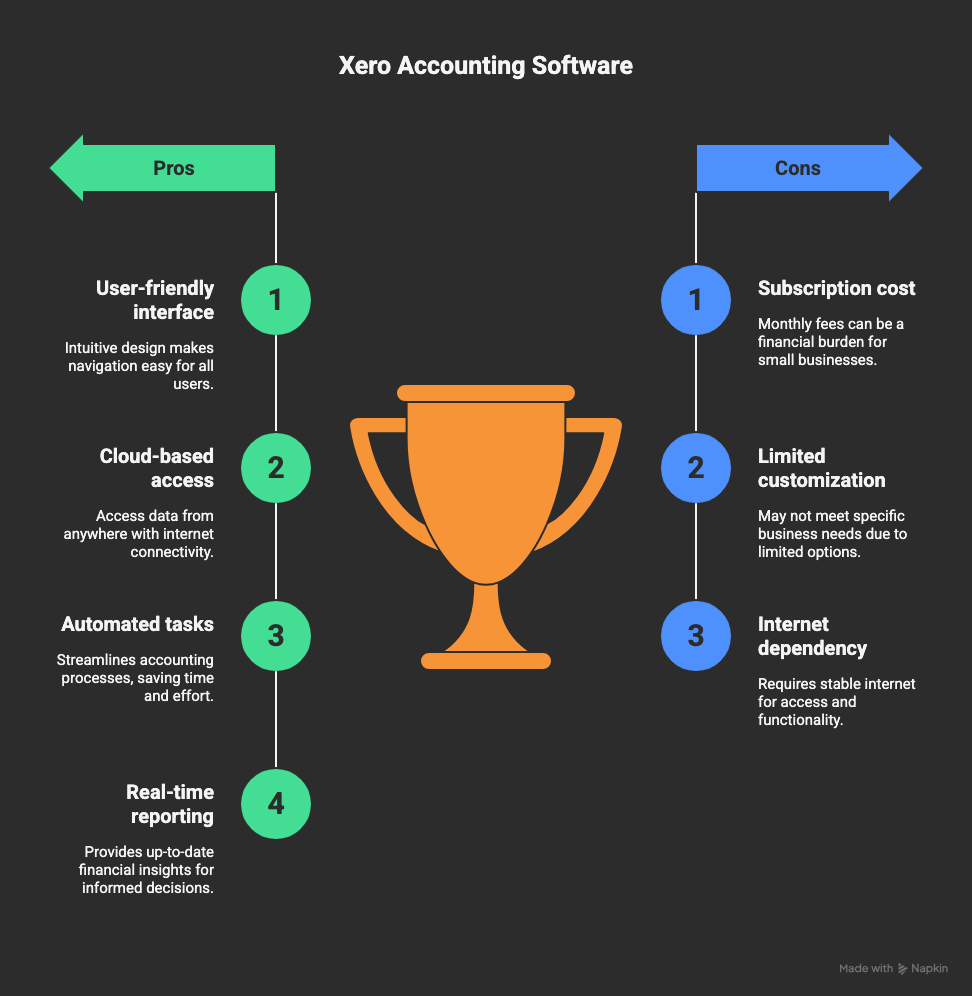
Pros
- Unlimited users on all plans
- Clean, beginner-friendly interface
- Excellent app ecosystem
- Strong invoicing and reconciliation
- More affordable than QuickBooks
Cons
- No built-in U.S. payroll
- Support wait times can vary
- Basic inventory features
- Reports less customizable than QuickBooks
Who Should Use Xero?
Xero isn’t perfect for everyone — but for the right businesses, it’s a game changer.
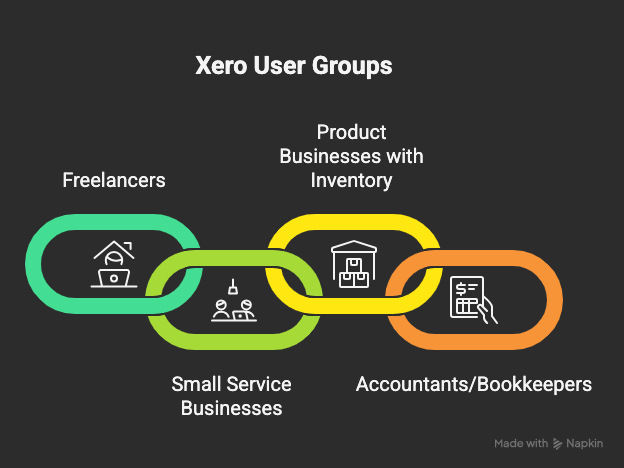
Xero Is Best For:
- Freelancers wanting simple invoicing
- Agencies and service businesses
- Ecommerce shops with basic inventory
- Accountants managing multiple clients
- Small teams needing multiple users
Xero Is Not Ideal For:
- Complex wholesalers
- Businesses needing advanced tax tools
- Companies wanting built-in U.S. payroll
How to Get Started With Xero
Xero’s onboarding process is simple enough for beginners.
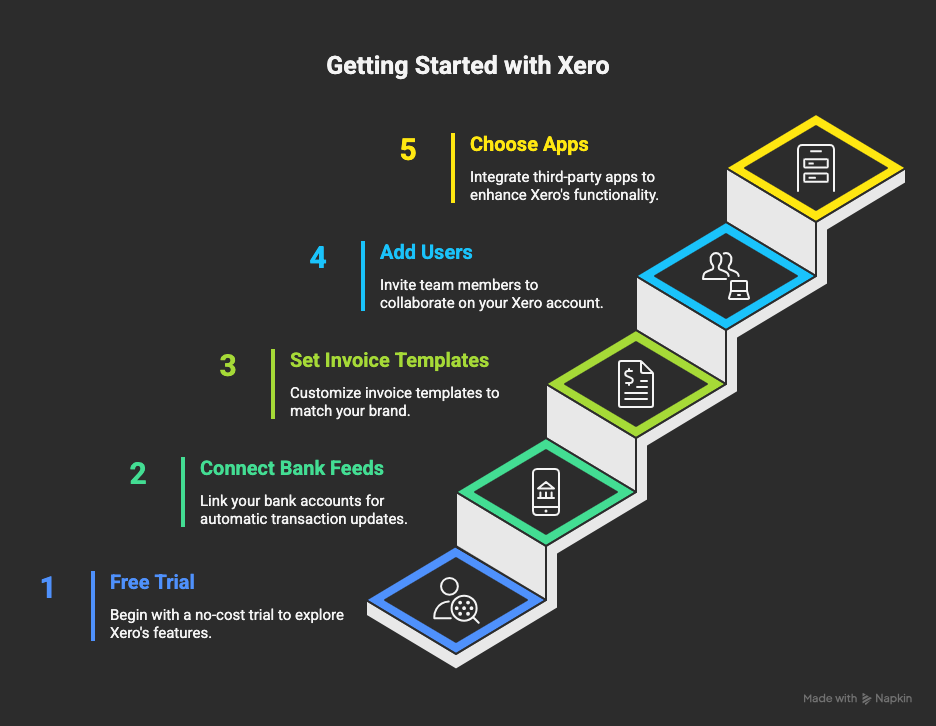
Steps to Set Up
- Start your trial using the Xero free trial
- Connect your bank accounts
- Build your invoice template
- Import vendors and customers
- Add team members (unlimited!)
- Connect payment processors
- Install key apps from the marketplace
- Review your first bank reconciliation
Migrating From Another Platform
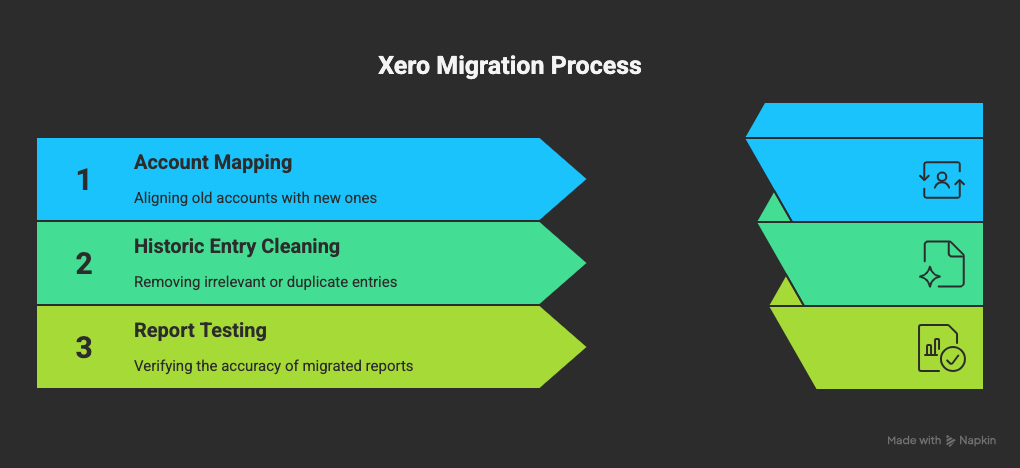
If you’re switching from QuickBooks, Xero offers tools and guides to migrate data with minimal friction.
Final Verdict: Is Xero Worth It in 2026?
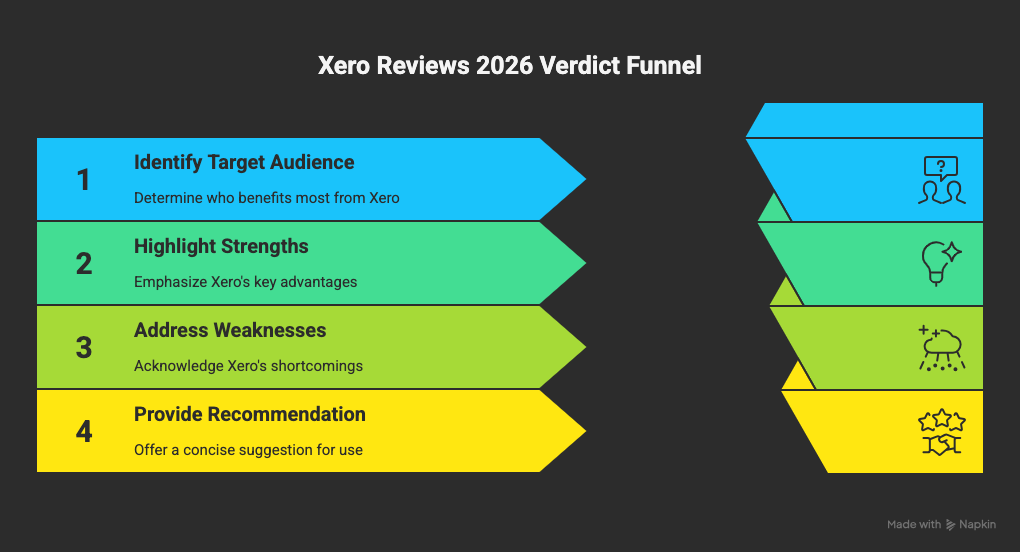
If you’re reading xero reviews to decide whether this platform fits your business, here’s the bottom line: Xero is one of the strongest accounting tools for U.S. small businesses that want clean design, automation, affordable pricing, and unlimited users.
QuickBooks may edge ahead in reporting and tax-specific tools, but for everyday bookkeeping, Xero delivers excellent value.
Frequently Asked Questions
1. Is Xero secure?
Yes. Xero uses encryption, MFA, and continuous backups. Details are on the Xero security page.
2. How much does Xero cost?
Pricing varies by tier and is listed on the Xero’s U.S. pricing page.
3. Does Xero support U.S. payroll?
Not directly. It integrates with payroll partners like Gusto.
4. Is Xero better than QuickBooks?
Depends on your needs. The Investopedia comparison shows:
- QuickBooks for advanced reporting
- Xero for ease of use and unlimited users
5. Does Xero offer a free trial?
Yes, start it here: Xero free trial.